
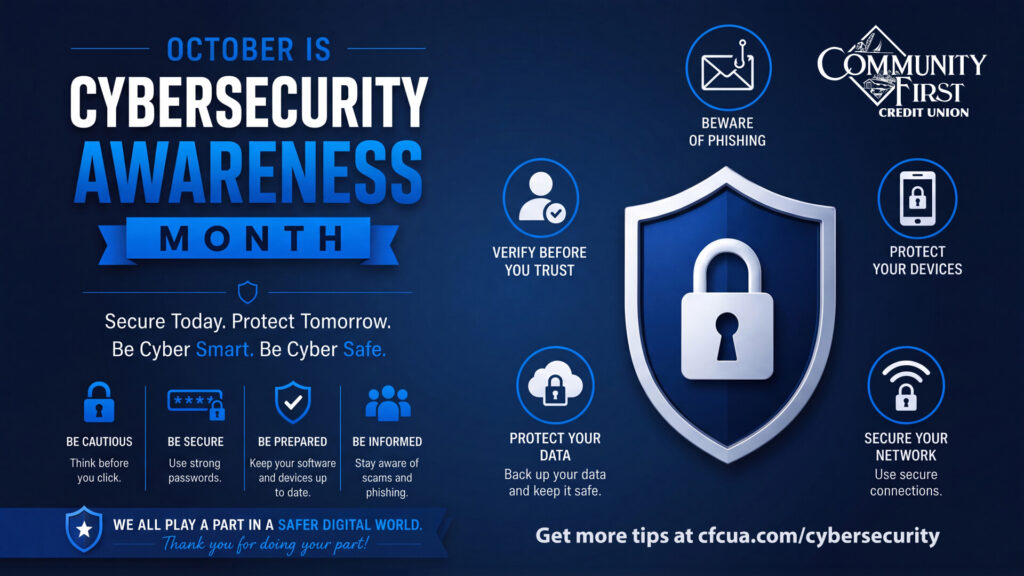
Cybersecurity Awareness Month: 10 Ways to Stay Safe Online
October is Cybersecurity Awareness Month, making it a great time to review how you protect yourself, your personal information and your finances online.
Cybercriminals are constantly looking for new ways to trick people into sharing passwords, financial information and other sensitive data. According to the FBI’s Internet Crime Complaint Center (IC3), Americans reported more than $20.8 billion in internet crime losses in 2025, a 26% increase from 2024.
The good news? A few simple habits can make a big difference.
Here are 10 ways to help protect yourself online.
1. Think Before You Click
Scammers often rely on quick reactions. An unexpected email, text or social media message may be designed to get you to click before you have time to think.
Before clicking a link, opening an attachment or providing information, stop and take a moment to consider whether the message is legitimate.
When in doubt, don’t click. Verify first.
2. Pause, Verify and Proceed
Urgent messages are one of a scammer’s favorite tricks.
A message might claim that your account is locked, a payment is overdue or you need to act immediately to avoid a problem. Don’t let a sense of urgency rush you into making a mistake.
Instead, verify the request using a trusted phone number, website or contact method that you find independently.
A few extra seconds could help prevent a costly mistake.
3. Be Careful on Public Wi-Fi
Coffee shops, airports, hotels and other public locations often provide convenient Wi-Fi, but public networks aren’t always secure.
Avoid accessing financial accounts or entering sensitive information while connected to an unfamiliar public network. If you must use public Wi-Fi, consider using a trusted VPN and make sure your device’s security settings are enabled.
When possible, wait until you’re connected to a trusted network before conducting sensitive transactions.
4. Turn On Multi-Factor Authentication
Passwords are important, but they’re even stronger when paired with multi-factor authentication (MFA), also called two-factor authentication (2FA).
MFA adds another verification step when you log into an account. That extra layer can help protect your accounts even if someone obtains your password. CISA recommends using MFA wherever possible, with stronger, phishing-resistant methods offering additional protection.
For example, after entering your password, you might also be asked to:
- Enter a code sent to your phone
- Approve a notification in an authentication app
- Use your fingerprint or face
- Insert a physical security key
In simple terms: MFA adds an extra layer of protection beyond your password. Even if a scammer gets your password, they may still be unable to access your account without the second form of verification.
Turn on MFA for your email, financial accounts, social media and other important online services whenever it’s available.
5. Be Aware of AI-Powered Scams
Artificial intelligence is making some scams more convincing.
Criminals can use AI to create realistic phishing messages, fake websites, voice impersonation and other deceptive content. A message that looks or sounds legitimate isn’t necessarily trustworthy.
If someone asks you to send money, provide sensitive information or take an unusual action, verify the request through another method before proceeding.
Technology is evolving. Your awareness should too.
6. Keep Your Devices and Software Updated
Software updates aren’t just about getting the newest features. They frequently include important security fixes that address vulnerabilities cybercriminals may try to exploit.
Turn on automatic updates whenever possible for your phone, computer, apps and other connected devices.
Keeping your software current is one of the simplest ways to improve your online security.
7. Don’t Trust Every QR Code
QR codes are convenient, but scammers can use them to direct you to fraudulent websites designed to steal information.
Before scanning a QR code, consider where it came from and whether it appears to have been tampered with. After scanning, check the website address carefully before entering any personal or financial information.
If something doesn’t look right, stop.
8. Don’t Take the Bait
Scammers are experts at creating messages that are urgent, exciting, frightening or too good to be true.
Before clicking a link or opening an attachment, ask yourself:
- Was I expecting this message?
- Do I know the sender?
- Does the request make sense?
- Is the message creating unnecessary urgency?
- Does anything look unusual?
If something feels off, trust your instincts and verify the message before taking action.
CISA specifically recommends learning to recognize and report phishing attempts, which often try to get people to open harmful attachments or share personal information.
9. Use Strong, Unique Passwords
A strong password is one of your first lines of defense.
Use long, unique passwords for your important accounts, and avoid using the same password across multiple websites. If one account is compromised and you’ve reused that password elsewhere, other accounts could be at risk.
Strong Passwords Start With Length
Use long, unique passwords for your important accounts, and never reuse the same password across multiple websites. A password manager can help you create and securely store strong, unique passwords so you don’t have to remember them all.
Avoid passwords based on easily guessed information such as names, birthdays or common words. And whenever possible, add multi-factor authentication (MFA) for another layer of protection.
Strong passwords are Long, Unique, Private, and Protected.
10. Protect Your Financial Information
Be especially cautious whenever you’re asked for account numbers, passwords, Social Security numbers, card information or other sensitive financial information.
Remember that scammers may impersonate financial institutions, businesses, government agencies or even people you know.
If you receive an unexpected request involving your money or personal information, don’t use the contact information provided in the suspicious message. Contact the organization directly using a trusted phone number or website.
And remember: Community First Credit Union will never ask you to provide sensitive information through an unexpected email or text message.
Your Security Starts With You
Cybersecurity can sometimes seem complicated, but protecting yourself online doesn’t have to be.
Think before you click. Pause and verify. Use strong passwords. Turn on multi-factor authentication. Keep your devices updated.
Small steps can make a big difference when it comes to protecting your information and your finances.
This Cybersecurity Awareness Month—and all year long—make online security part of your routine.
Stay alert. Stay informed. Stay secure.
If you believe you’ve encountered a scam involving your financial accounts, contact Community First Credit Union as soon as possible.